Split expenses,not friendships.
The bill splitting app for iPhone
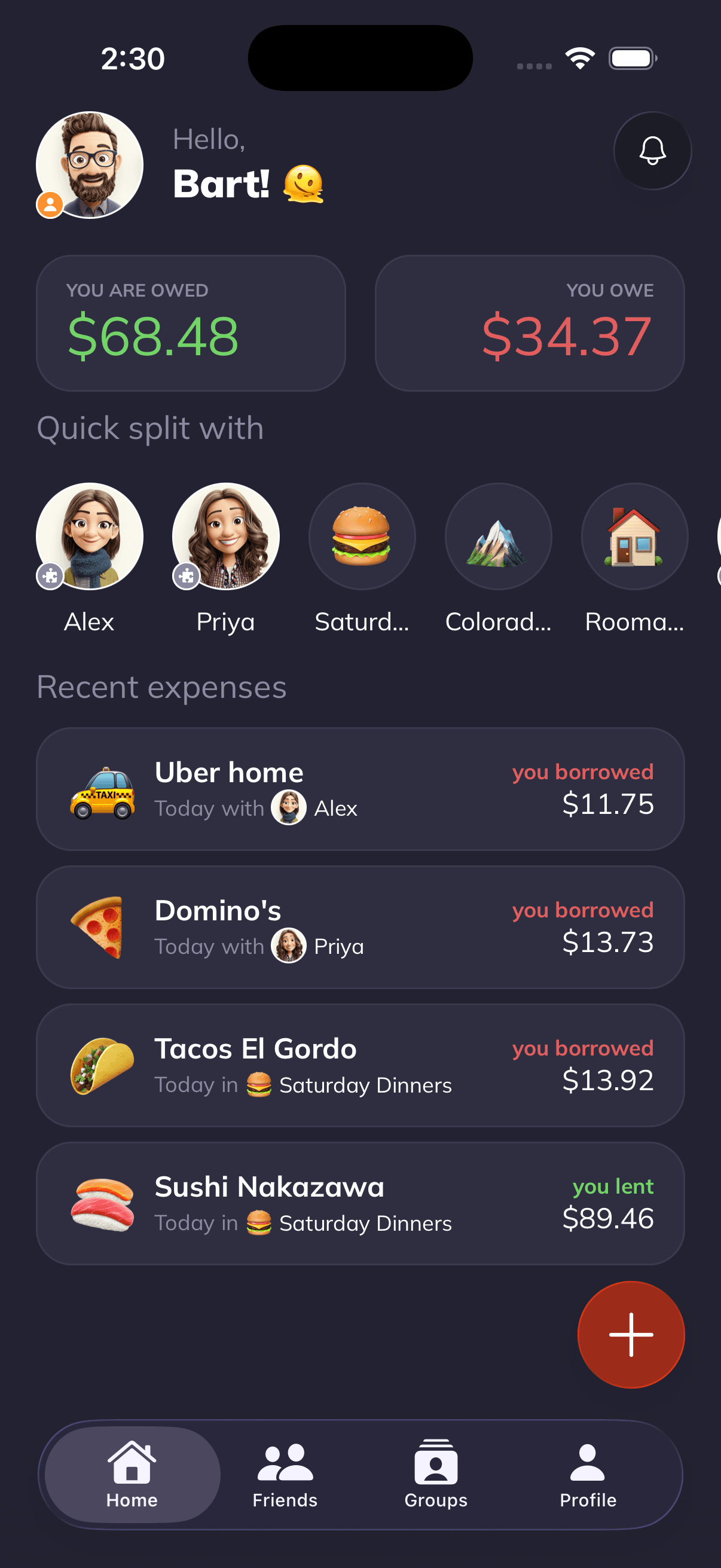
AI scans your receipts, takes expenses by voice, and tracks every balance in 120+ currencies, so you can focus on the good times.






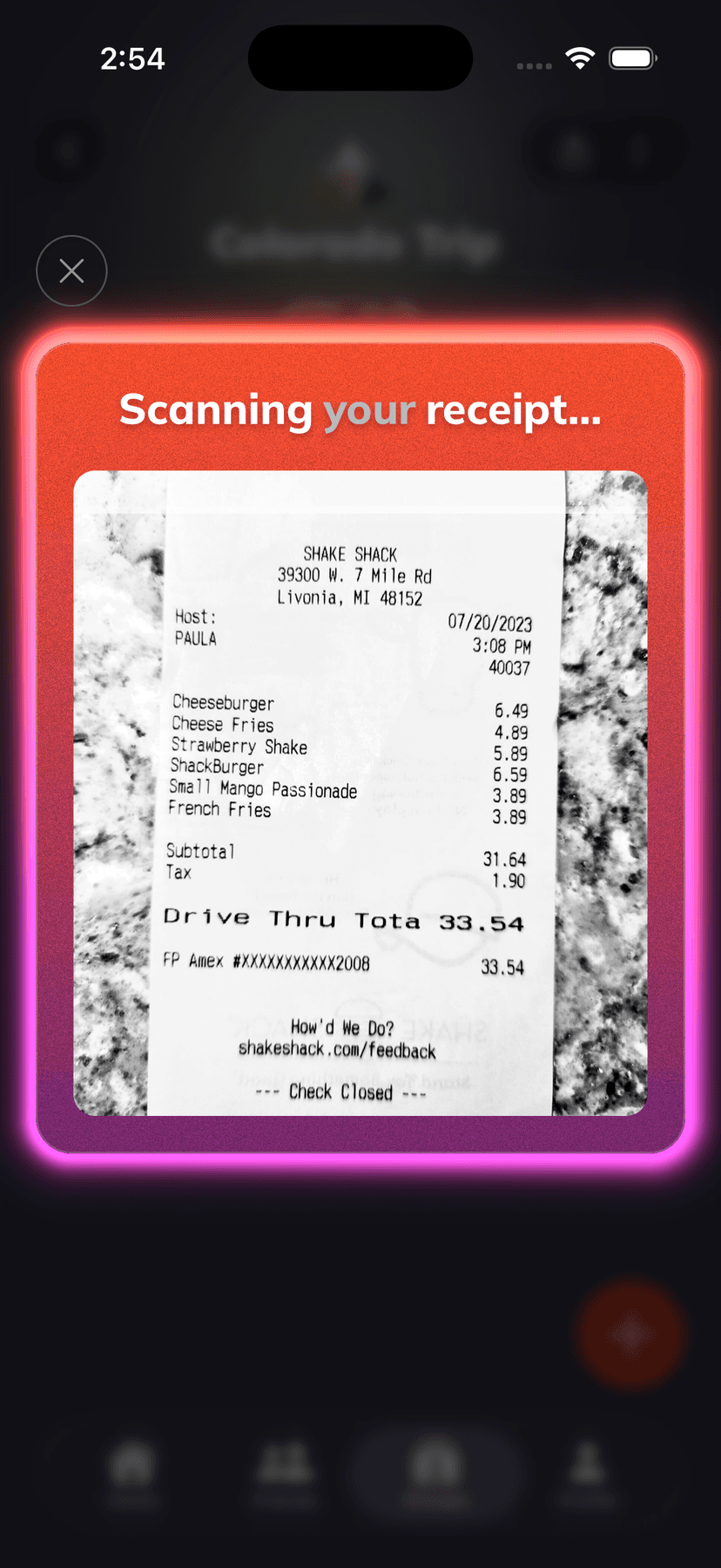
AI Receipt Scanner
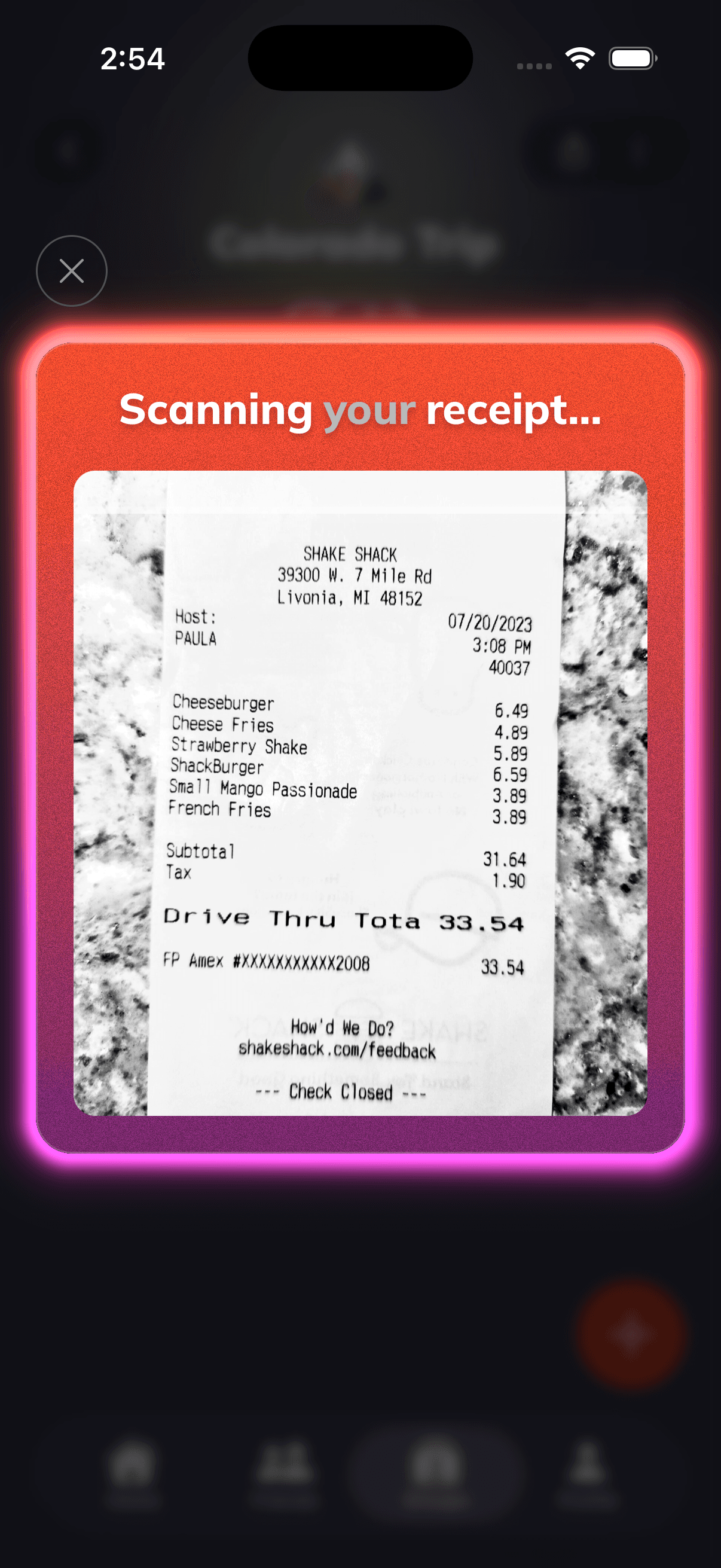
Snap a receipt. AI splits it in seconds.
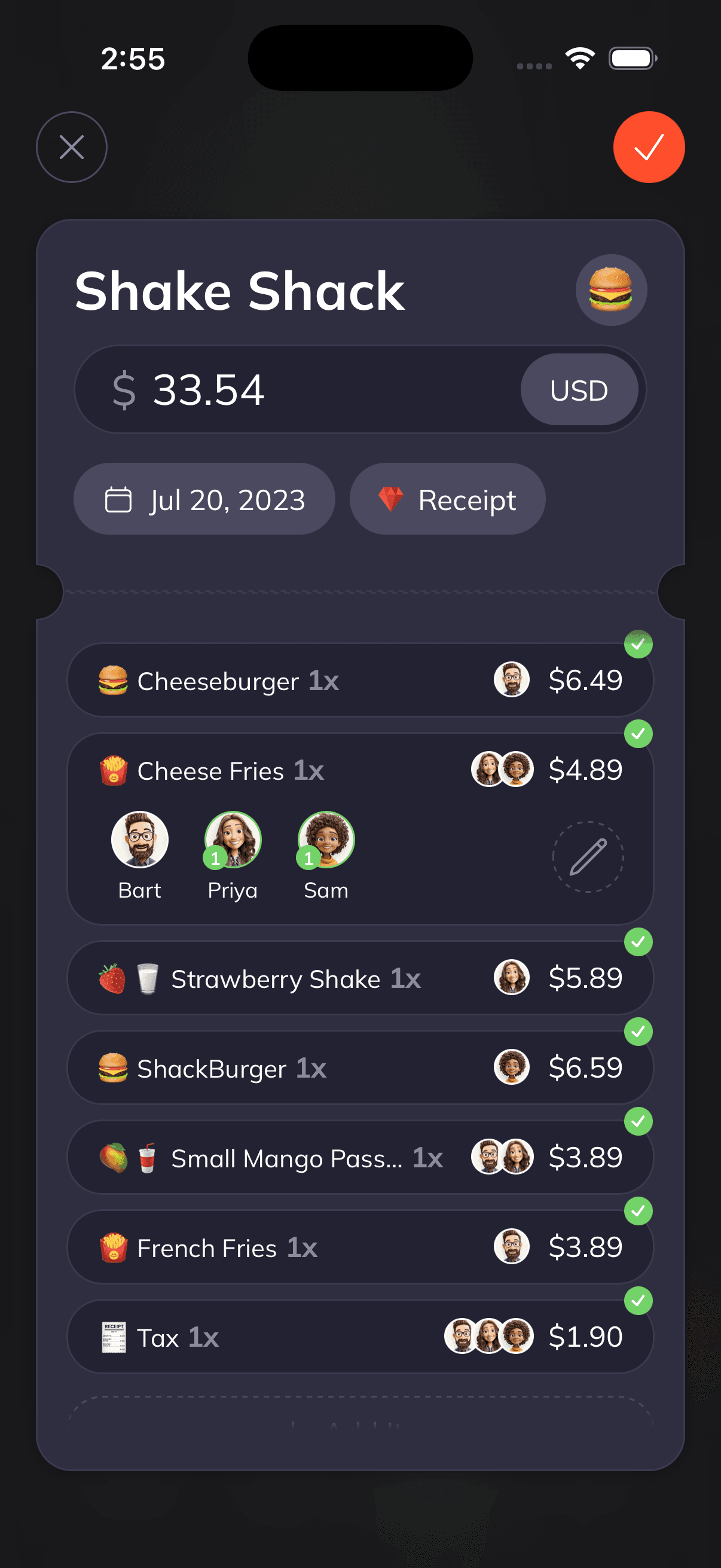
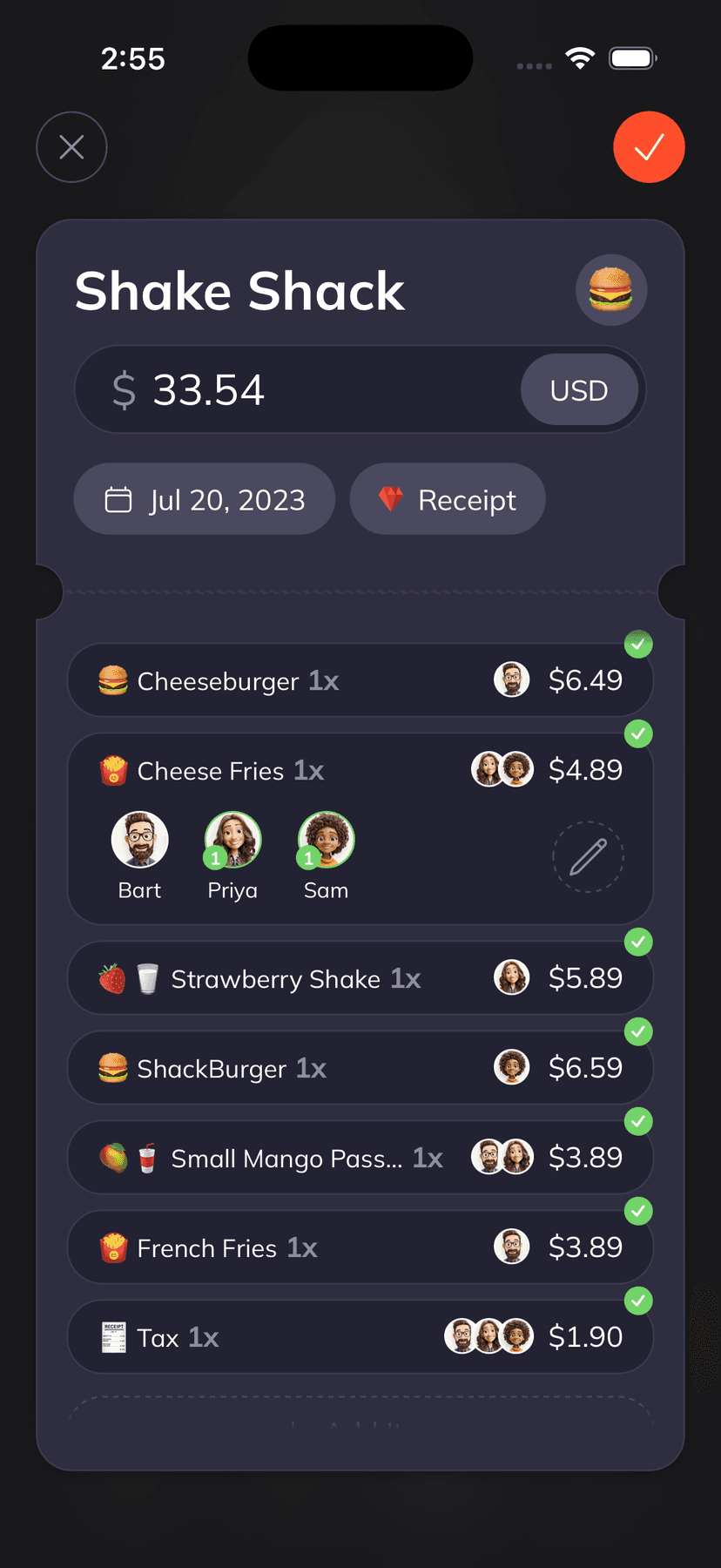
Supasplit's AI reads every line item, price, tax, and tip in under 3 seconds. Tap who had what, and the math is done.
01
Scan
AI extracts every item, price, tax & tip
02
Assign
Tap who had what. No spreadsheet required.
03
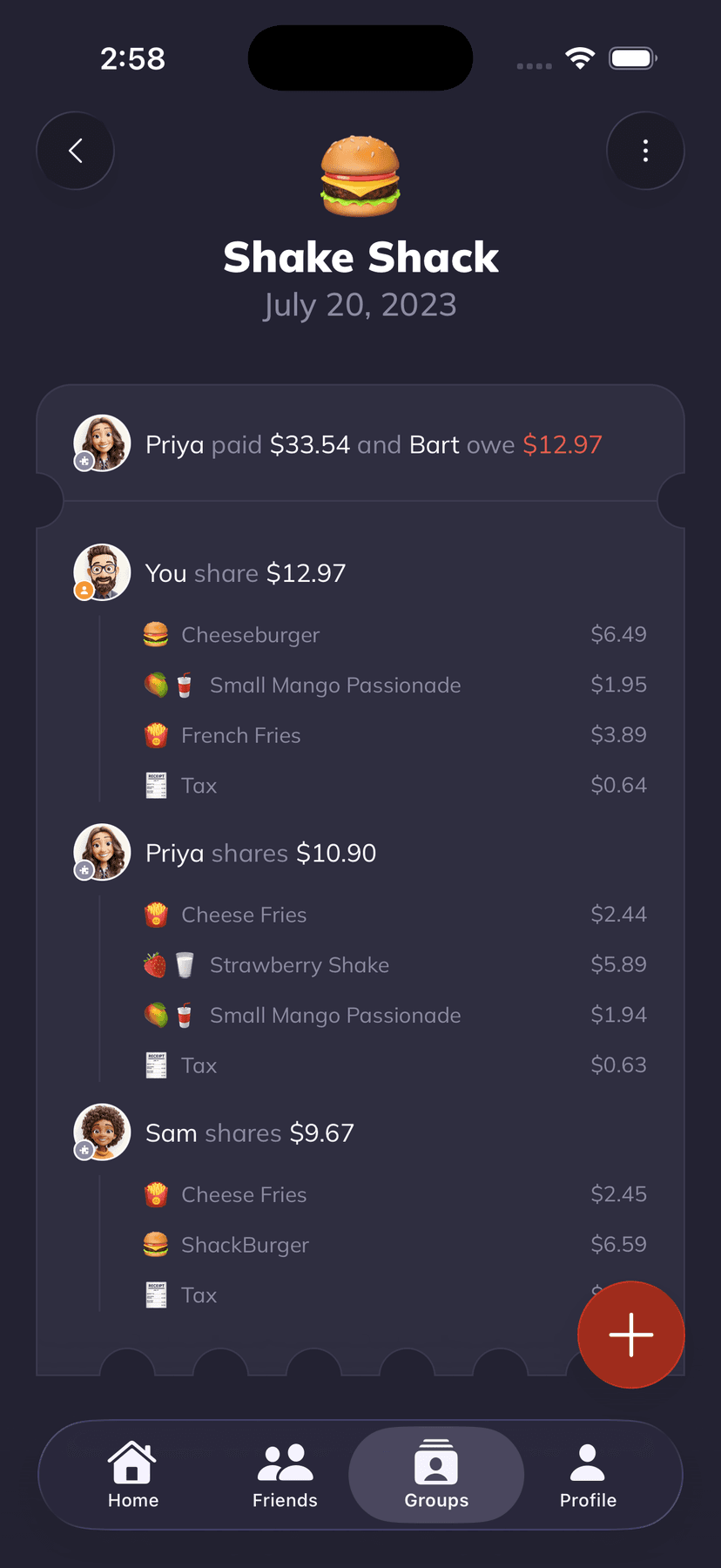
Result
Send the split. Get paid back.
02
Assign
Tap who had what. No spreadsheet required.
03
Result
Send the split. Get paid back.
Works in your browser · no account required
Voice Expenses
Say it. Done.
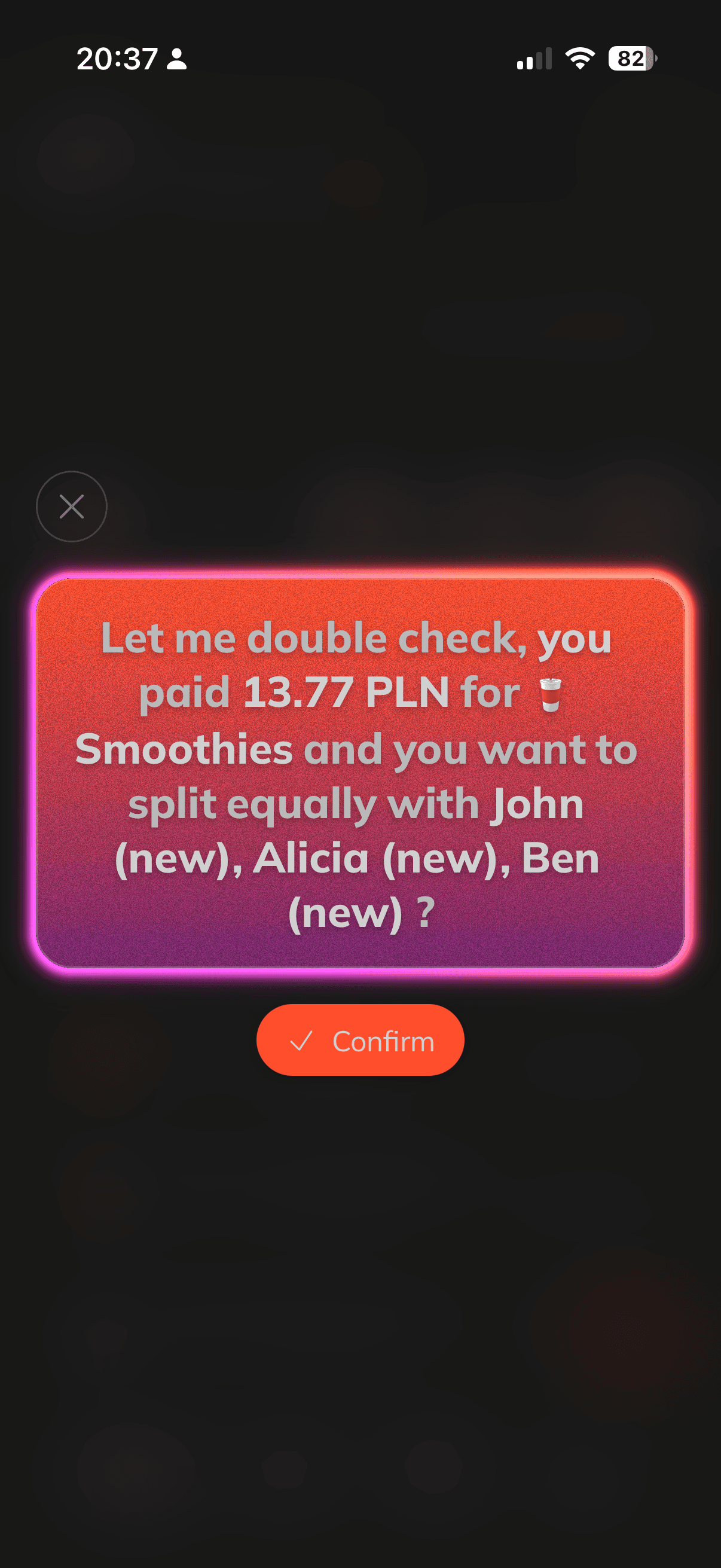
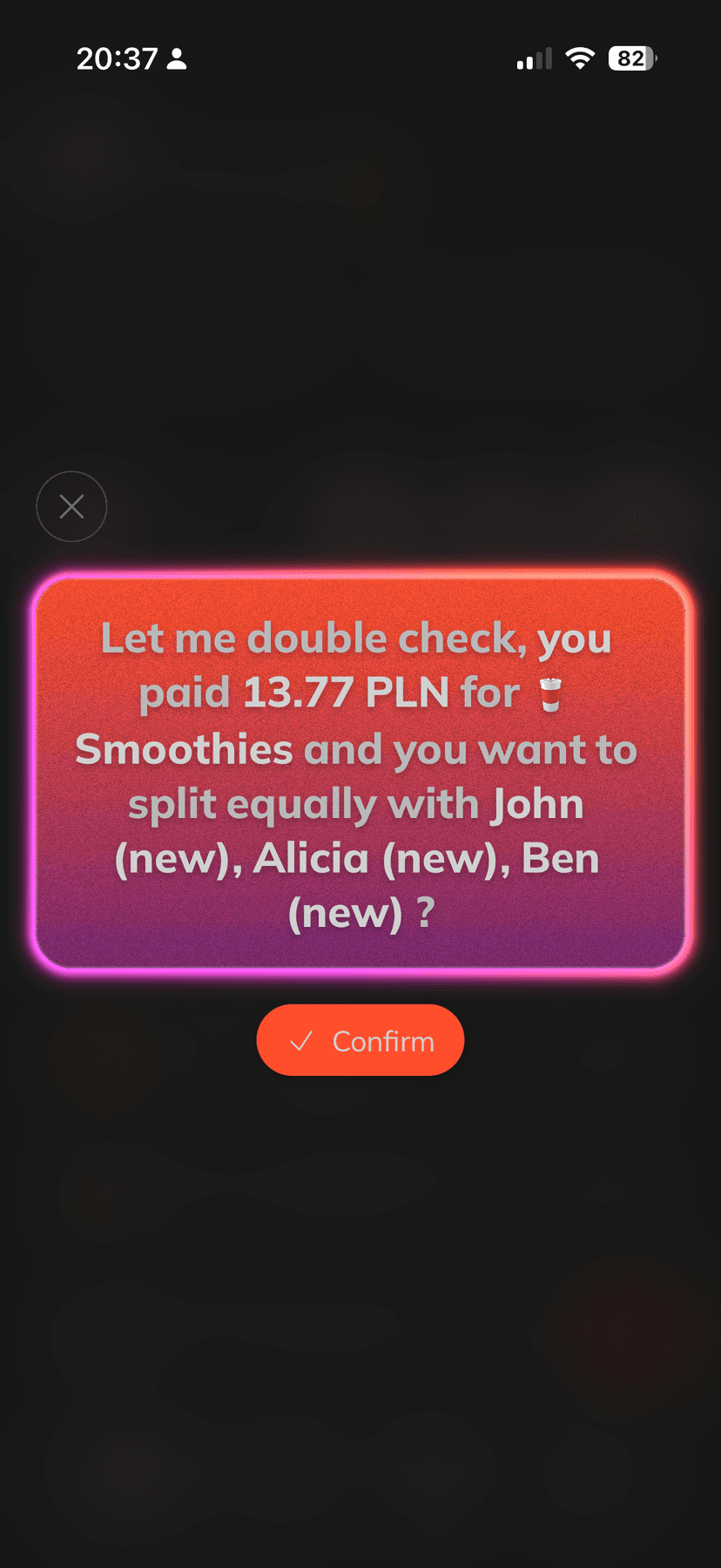
Add expenses faster than you can type. Just describe what happened, and Supasplit fills in the amount, the people, the group, and the split, then confirms before saving.
Just say it
“Paid 20 bucks for pizza, split it with Max and Sam”
“Airbnb was 600 euros, four of us”
“Groceries 84 dollars for the house”
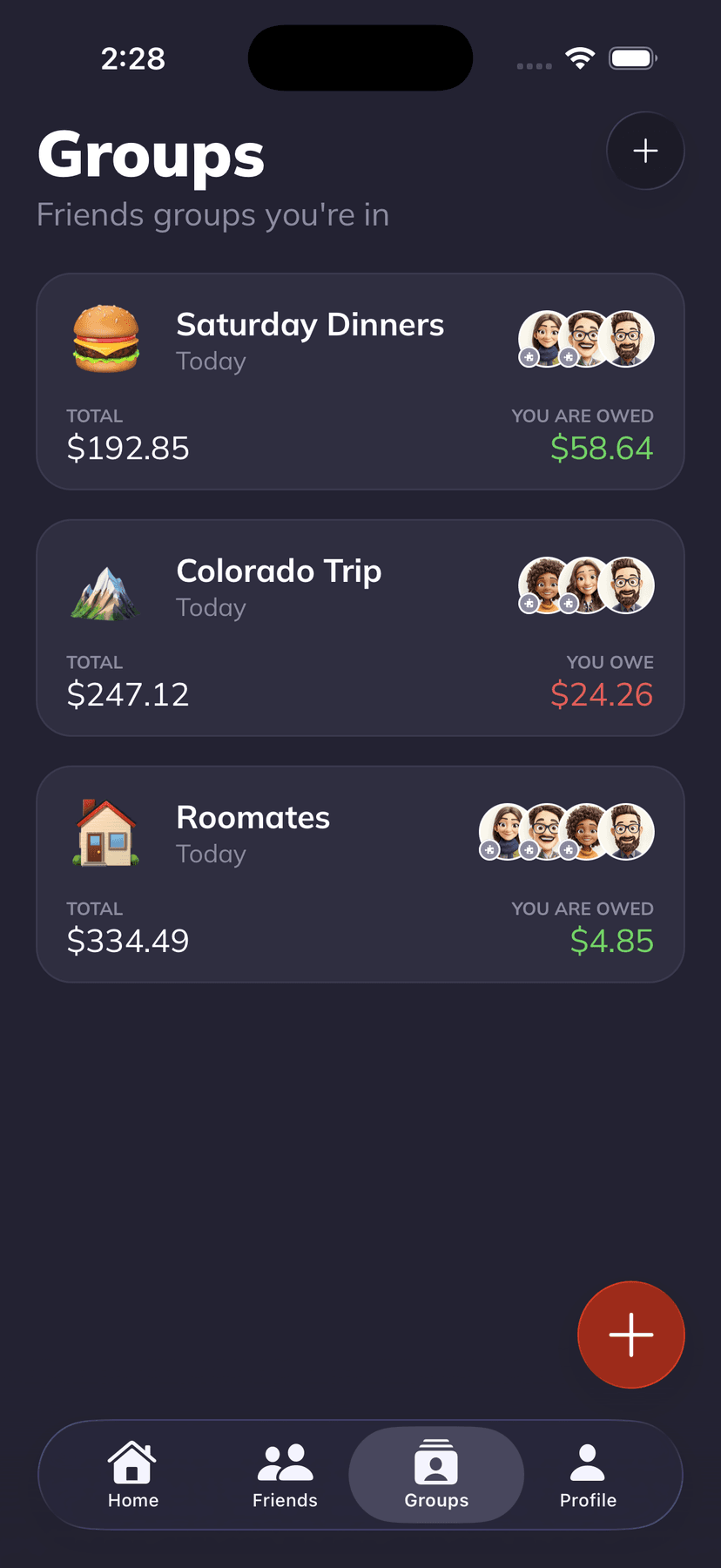
Groups
Trips. Roommates. Dinners.
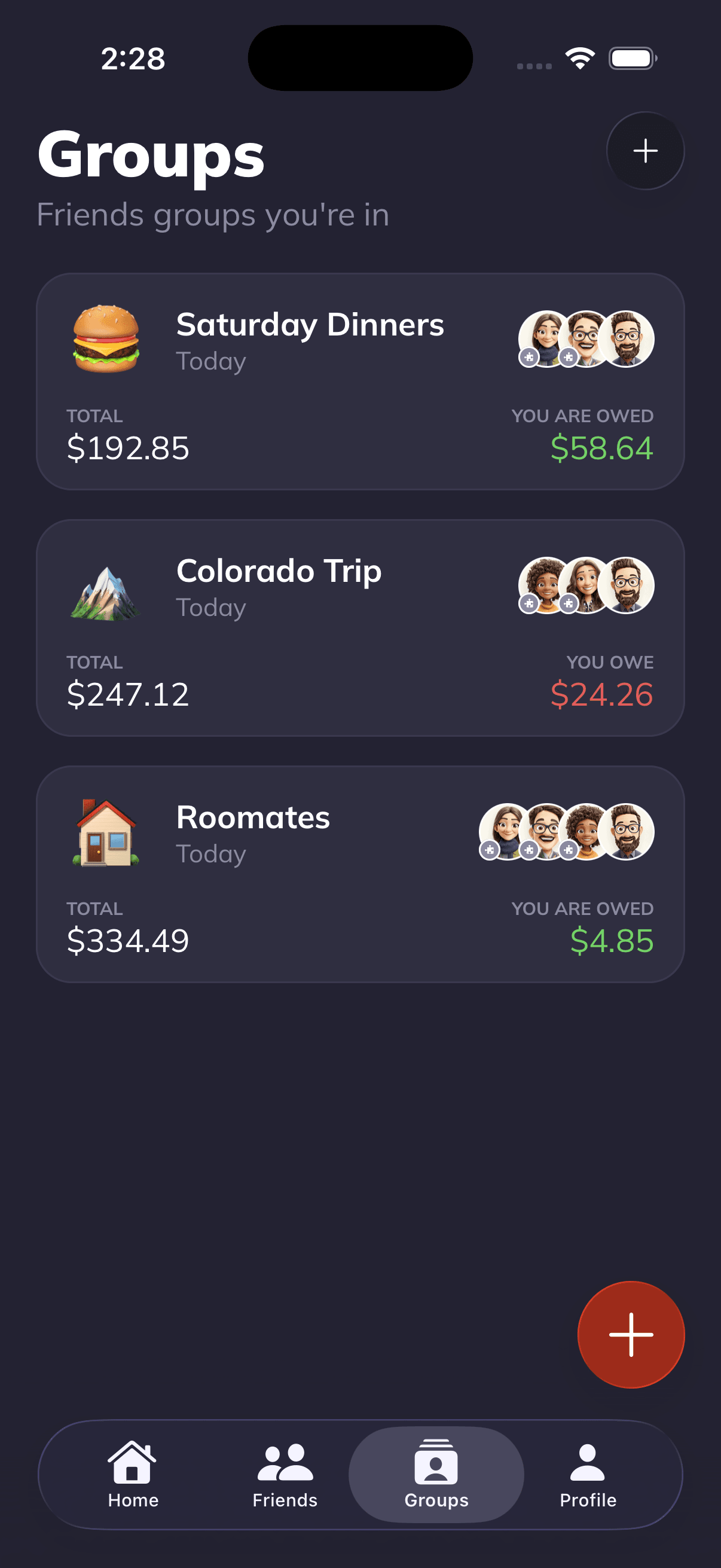
A group for everything. Track shared expenses for weekend trips, monthly roommate bills, or regular dinner outings. See group totals, individual balances, and full expense history.
Free multi-currency calculator · minimizes payback transactions
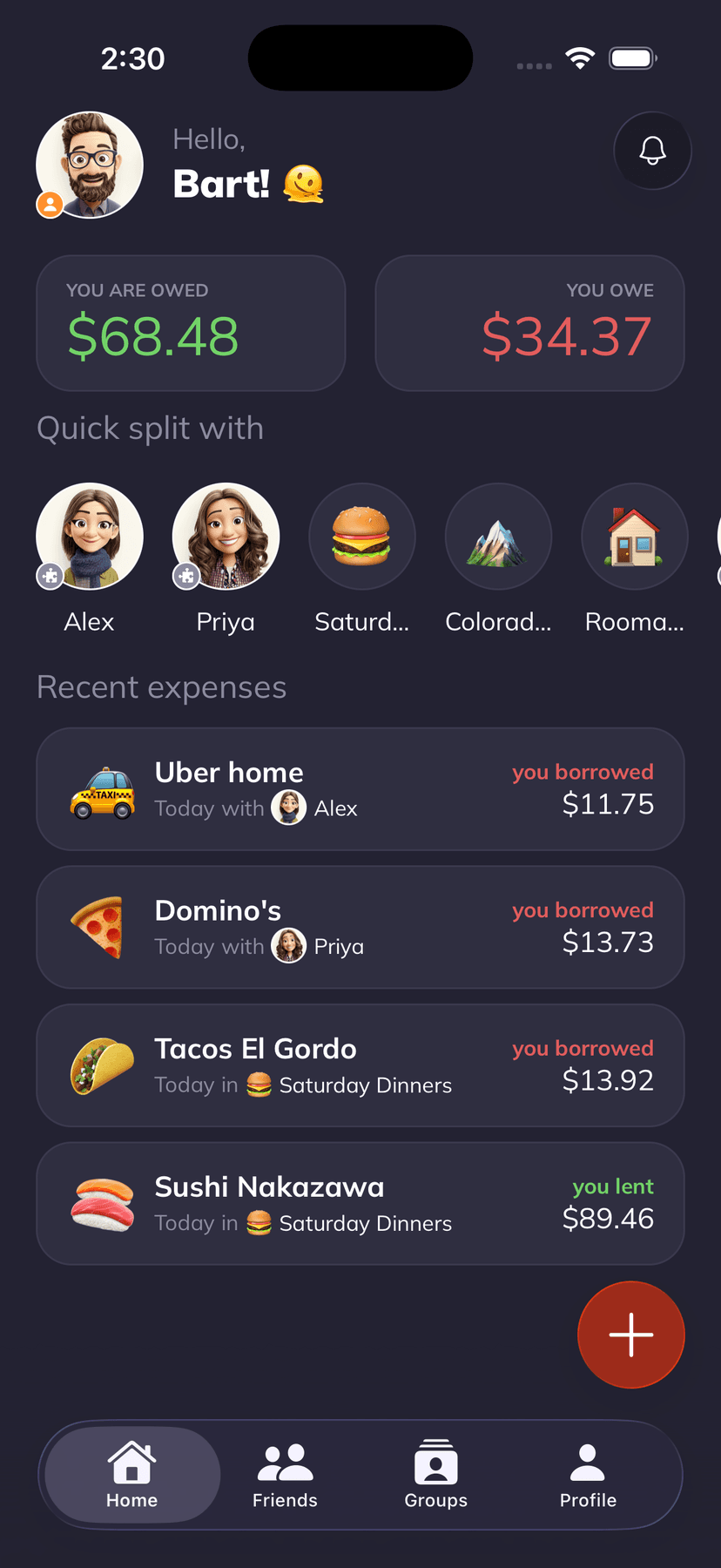
Smart Reminders
Get paid back. No awkward texts.
Supasplit sends friendly nudges so you don't have to. Set it once and let smart notifications handle the rest. Your friends get gentle reminders, and you get your money back.
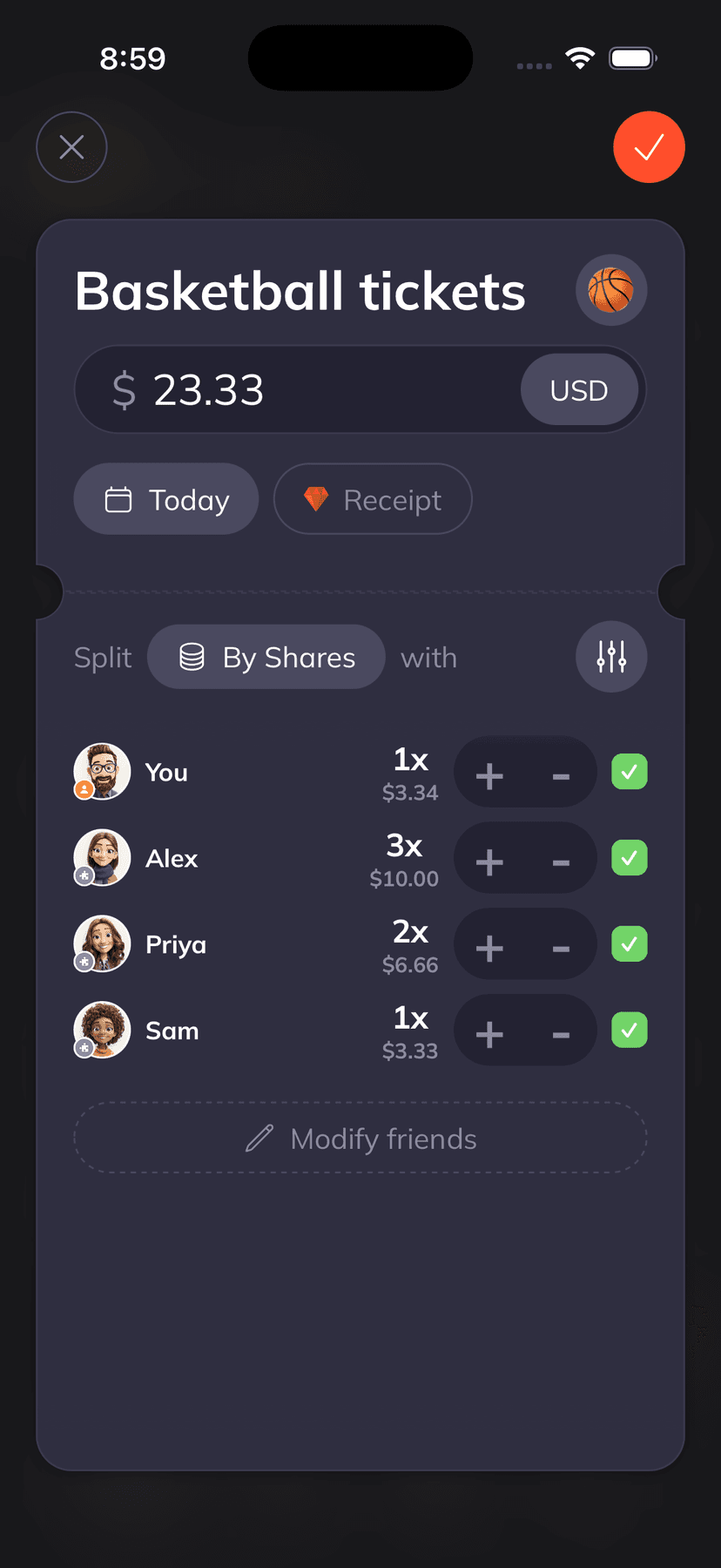
120+ Currencies · Flexible Splitting
Split any way you want.
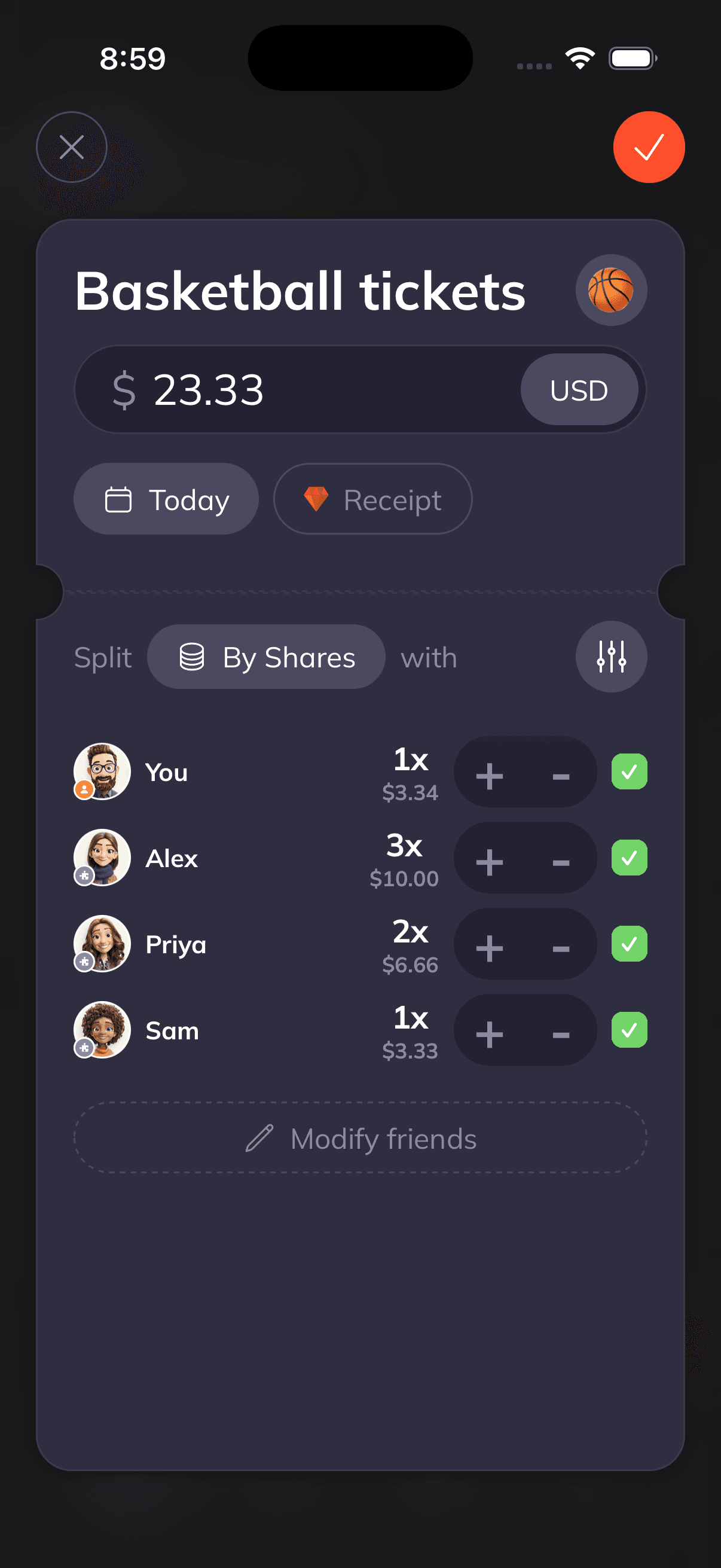
Equal, by shares, by percentage, or exact amounts. Works with 120+ currencies and automatic real-time conversion, perfect for travel with friends.
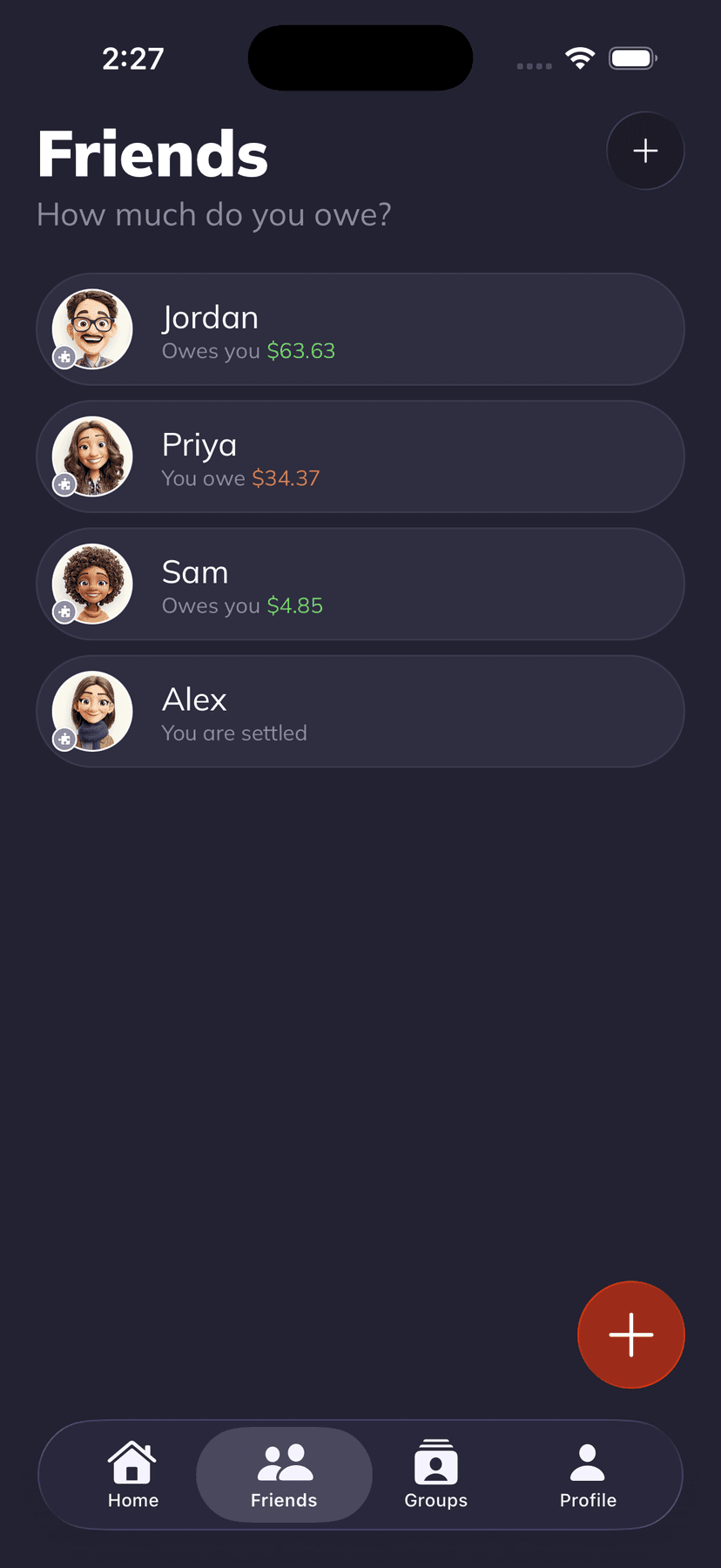
Friends & Balances
Always know who owes what.
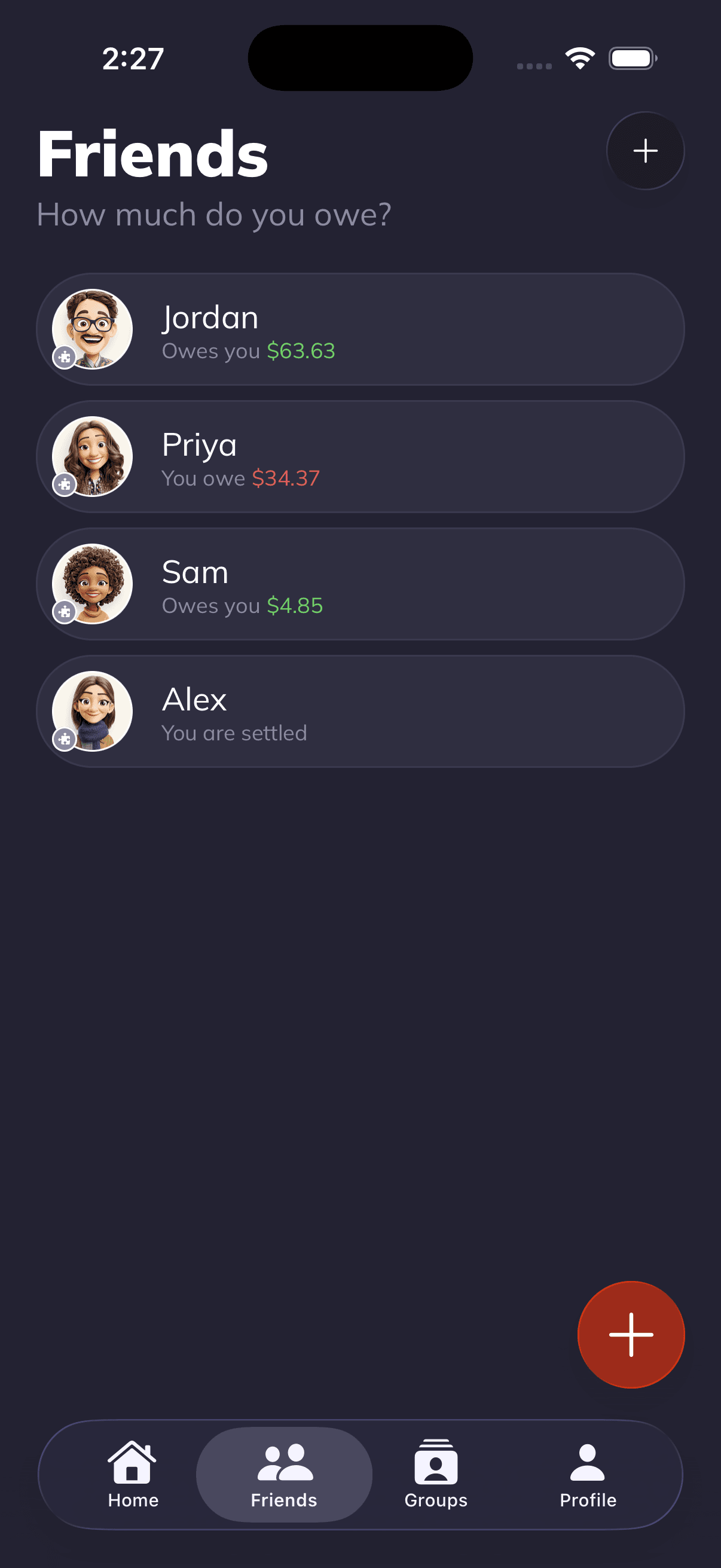
Real-time balance tracking for every friend. See your complete expense history, who borrowed what, and who's already settled up, all at a glance.
Personalization
Make it yours.
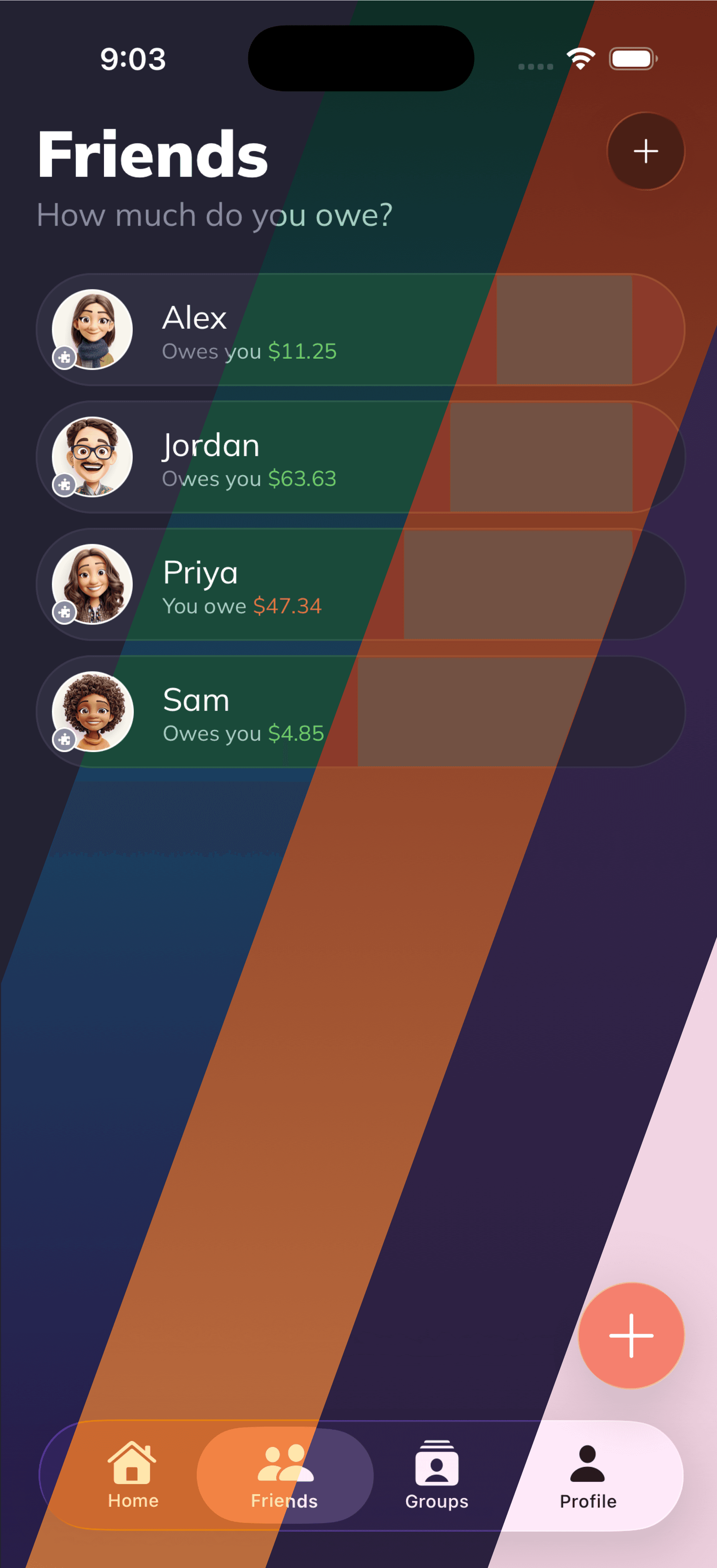
20 handcrafted themes, 6 custom app icons, and an iOS home screen widget. Find the vibe that's uniquely you.






Light
Dark
Black
Ocean
Sunset
Mint
Aurora
Ember
Nordic
Cherry
Copper
Midnight
Forest
Sahara
Arctic
Carbon
Dusk
Moss
Slate
Clay
Pricing
Start free, go plus
Everything you need to split expenses. Upgrade for superpowers.
Free
Everything you need to start splitting with friends.
Plus
$49.99 billed annually
Unlock all features and split expenses easier.
From the blog
Guides for splitting smarter.
Honest takes on rent splits, group trips, dinner etiquette, and the awkward money conversations nobody wants to have.

Lending Money to a Friend: The Rules That Save Friendships
A friend asks to borrow $500. Or $2,000. Here are the rules that let you lend to friends without blowing up the friendship, and how to know when to say no.

The Annual Money Check-In Every Couple Should Actually Do
A step-by-step annual money check-in for couples. What to review, what to adjust, and how to make it feel like 30 minutes, not a trial.

Tracking Expenses Live During a Week-Long Vacation (So Nobody Ghosts)
A week of shared spending, tracked live, settled in minutes. The system for logging group travel expenses as they happen without slowing down the vacation.
FAQ
Quick questions.
The stuff people usually ask before installing.
Is Supasplit really free?
Yes. The free plan covers up to 3 groups, multi-currency expense tracking, smart reminders, and both AI receipt scanning and voice entry for casual use. Plus is $3.99/month for unlimited scans, unlimited groups, theme packs, and home-screen widgets.
Does Supasplit work without Wi-Fi?
Most of it does. You can add expenses, browse groups, and check balances offline, and they sync once you're back online. Only the AI receipt scanner and voice input need an internet connection, since they run through a cloud model.
Is Supasplit only on iPhone?
Right now, yes. Supasplit is built natively for iOS 17 and above, which lets us keep the app fast, clean, and privacy-focused. An Android version is on the roadmap. You can still use the free web tools (receipt splitter, rent split, group trip settler) from any browser.
How does the AI receipt scanner work?
Snap a photo of any receipt. The AI reads every line item, price, tax, and tip in a few seconds, then you tap who had what and Supasplit calculates each person's share. No manual typing, no math, no spreadsheets.

Split expenses,
not friendships.
Install Supasplit in seconds. Free forever, no ads, no data selling.
Try for $0.00 nowiPhone · iOS 17+ · Apple ID required