Can Roommates Use Apple Family Sharing? Rules, Loopholes, and What to Split
Apple Family Sharing is built for families, but roommates use it too. Here's what Apple actually allows, what you can share, and how to split costs.

Anna
Supasplit Team
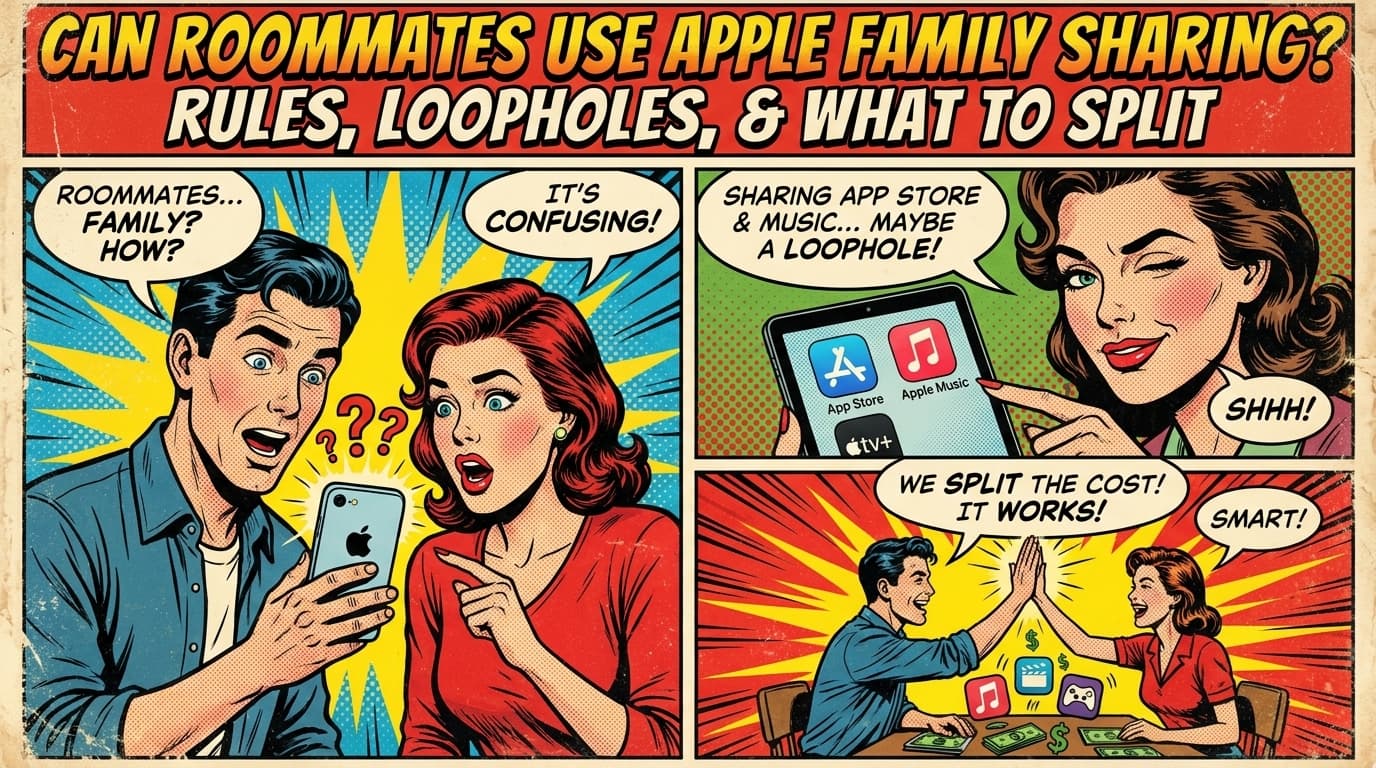
Apple Family Sharing is a great little system. One organizer, up to five additional family members, shared access to subscriptions, App Store purchases, iCloud storage, and Apple One bundles. Built for actual families.
But a lot of roommates use it. Sometimes openly, sometimes quietly. Sometimes it works seamlessly, sometimes Apple's algorithms get suspicious.
Here's what's actually allowed, what's actually possible, and how to split the costs.
What Apple Family Sharing covers
When you set it up, the family organizer (one person) invites up to five other Apple IDs. Once accepted, the family gets shared access to:
- Apple Music Family (one subscription, 6 users)
- Apple TV+ (shared with family)
- Apple Arcade (shared)
- Apple News+ (shared)
- Apple Fitness+ (shared)
- Apple One (the bundle of all the above)
- iCloud+ storage (200GB or 2TB plans can be split)
- App Store purchases (some apps allow family sharing, many don't)
- In-app purchase sharing (rare, depends on developer)
- Find My (locating family devices)
- Screen Time (for parental controls, less relevant for roommates)
For roommate purposes, the useful stuff: Apple Music, Apple TV+, Apple One bundle, iCloud storage.
What Apple technically requires
Apple's terms of service say Family Sharing is for "members of the same household," but they define household loosely and don't actively enforce a same-address rule the way Netflix does.
What Apple does require:
- All members have valid Apple IDs.
- One person is the organizer and provides a payment method for shared purchases.
- Members must agree to share certain account data.
- Members can leave the group at any time.
What Apple doesn't actively check:
- Whether members live at the same address.
- Whether members are biologically related.
- Whether the wifi networks match across members.
In practice, roommates can be in a Family Sharing group without much friction. Apple's enforcement is lighter than Netflix's.
So is it allowed for roommates?
Technically gray area. Apple's intended use is for families. "Family" isn't precisely defined.
If you're roommates who share groceries, share bills, and live in the same apartment, you're functionally a household. Most roommates do qualify in spirit.
If your roommates are at different addresses, in different cities, or barely related to your daily life, you're stretching it. Possible, but more risk.
Setting up Family Sharing with roommates
The steps:
-
One roommate becomes the organizer. This person provides the credit card for shared purchases. Pick the most reliable person, ideally the one with the longest commitment to the household.
-
Organizer invites each roommate by Apple ID email. Each invitee gets an email and an alert on their Apple device.
-
Each roommate accepts the invitation. Settings → Apple ID → Family Sharing → Accept.
-
Decide what to share. Apple Music, iCloud storage, etc. Each subscription has to be "shared with family" in its settings.
-
Set up purchase sharing rules. Default is family members can purchase using the organizer's payment, but those purchases go through an approval flow if you want. For roommates, usually you turn off purchase sharing entirely and each person pays for their own stuff.
What to share with roommates, what not to
Share:
- Apple Music Family ($16.99/mo for 6 users): obvious win. Each person gets their own library and recommendations.
- iCloud+ storage ($2.99/mo for 200GB or $9.99/mo for 2TB, both shareable): great if multiple roommates need backup space.
- Apple TV+ ($9.99/mo): shareable with family.
- Apple One Premier ($37.99/mo, bundles Music, TV+, Arcade, News+, Fitness+, 2TB iCloud): big saving if multiple roommates would use most of it.
Don't share:
- Purchase sharing for App Store. Turns off the awkward situation where one roommate accidentally bills the organizer for a $50 app. Each person pays for their own.
- Location sharing. Personal preference, but most adult roommates don't need to track each other's location.
How to split the cost
Depends on which subscription and how many users.
Apple Music Family ($16.99 / 6 max users) shared by 4 roommates: $4.25 each. Compared to individual Apple Music ($10.99/month each = $43.96 for four people), the savings are real.
Apple One Premier ($37.99) shared by 4 roommates: $9.50 each. Includes everything. Massive savings if everyone actually uses Music + TV+ + storage.
iCloud+ 2TB ($9.99) shared by 4 roommates: $2.50 each. Great backup pool.
Apple One Family ($25.99 for less than Premier) shared by 4: $6.50 each. Same logic, lower tier.
For most roommates, the math heavily favors sharing. The trick is just keeping the reimbursements clean.
The reimbursement flow
Organizer fronts $37.99/month, three other roommates pay $9.50 each = $28.50/month coming back to the organizer.
Don't manually chase this. Setup options:
Auto-reimbursement via Venmo/Zelle: each roommate sets up an automatic monthly transfer to the organizer.
Shared expense fund: the household has a joint account, organizer pulls from it, roommates each contribute monthly.
Expense-tracking app: the subscription is a recurring expense, app tracks who's owed what, settle monthly.
For a single $37.99/month bill, even simple Venmo works fine if everyone's reliable. For four-plus shared subscriptions, the app approach saves real time.
What happens if a roommate moves out
This is the part that surprises some people. When a family member leaves the group:
- They lose access to shared subscriptions immediately.
- App Store purchases they made with the organizer's payment stay on their Apple ID, but new family-sharing access ends.
- iCloud storage they were using on the family plan: they need their own plan or their iCloud will start running out of space.
- Their photos, contacts, etc. stay on their Apple ID. Nothing is lost from their personal account.
When a roommate moves out, just remove them from the family group via Settings → Family Sharing. Done.
If the organizer moves out, things get more complicated. The organizer can't transfer ownership to another family member directly. They have to disband the group and someone else creates a new one, then re-invites everyone. Re-link subscriptions as needed.
Family Sharing vs. each person their own
A fair question: why not just have each roommate get their own Apple Music, iCloud, etc.?
Math check for 4 roommates:
- Individual Apple Music: 4 × $10.99 = $43.96/month
- Family-shared Apple Music: $16.99/month (split $4.25 each)
- Savings: $26.97/month, or about $324/year
For a household, that's a meaningful chunk of money. The only reasons not to:
- One roommate is hesitant to be in a shared payment system
- The organizer doesn't want the responsibility
- The household has high turnover and re-setting up gets tedious
In most stable households, Family Sharing is the obviously better choice.
TL;DR
- Apple Family Sharing is technically for families, but Apple's enforcement is light. Most roommate households qualify in spirit.
- Big wins: Apple Music Family, Apple One bundle, iCloud+ shared storage.
- Turn off purchase sharing for App Store apps, so the organizer doesn't get billed for everyone's downloads.
- Split costs equally across active users. Apple One Premier at $37.99 ÷ 4 = $9.50 each.
- Set up auto-reimbursement. Manual chasing for $9.50/month is the most annoying form of household friction.
- Removing a roommate is simple. Settings → Family Sharing → Remove member.
Frequently asked questions
Are roommates allowed to use Apple Family Sharing?
Apple's terms say Family Sharing is for members of the same household, but they don't define household strictly or enforce same-address rules the way Netflix does. Most roommates can use it without issue. The closer you are to a functional household (shared bills, shared address), the safer you are.
What's worth sharing on Apple Family Sharing with roommates?
Apple Music Family, Apple One bundle, Apple TV+, and iCloud+ storage are the biggest wins. Apple One Premier at $37.99/month split four ways is $9.50 each and includes Music, TV+, Arcade, News+, Fitness+, and 2TB iCloud, much cheaper than individual subscriptions.
How much can roommates save with Apple Family Sharing?
For four roommates: Apple Music individually is $43.96/month, Family-shared is $16.99/month. That's about $324/year in savings on Music alone. Apple One Premier offers similar savings across multiple services. Stable households almost always come out ahead.
What happens if a roommate moves out of the Apple Family group?
Remove them via Settings, Family Sharing, Remove Member. They lose access to shared subscriptions immediately. Their personal photos, contacts, and Apple ID purchases stay with them, only family-shared access ends. iCloud storage they were using on the family plan ends, so they'll need their own plan.
Should I turn on purchase sharing for roommates?
No. Turn it off. With purchase sharing on, family members buying apps in the App Store charge the organizer's credit card by default. For families with kids, this is the parental approval flow. For roommates, it's just a way for the organizer to accidentally get billed for everyone's purchases. Keep each person's purchases on their own card.